Github repository and SSH key creation
Add a new repo

Fill out information regarding your new remote repo
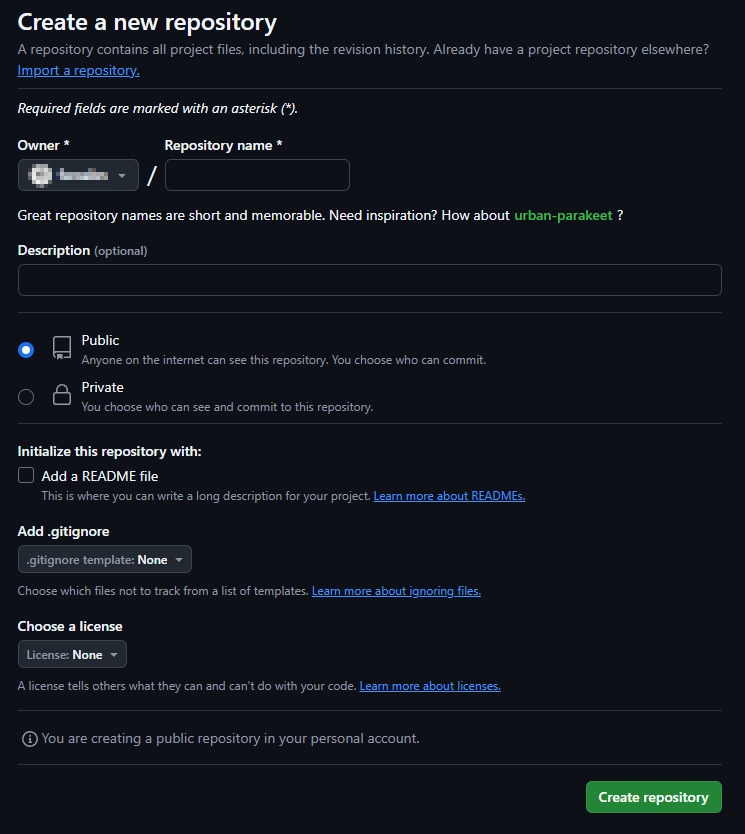
Go to the menu in the top right and find the settings

Find the SSH and GPG keys menu

Click on New SSH key

Give your key a name (local machine hostname) and paste in your SSH Public key found in your local home directory at “.ssh/”. It will have the “.pub” extension. This is NOT your private key. Please make sure it has the ‘.pub’ extension
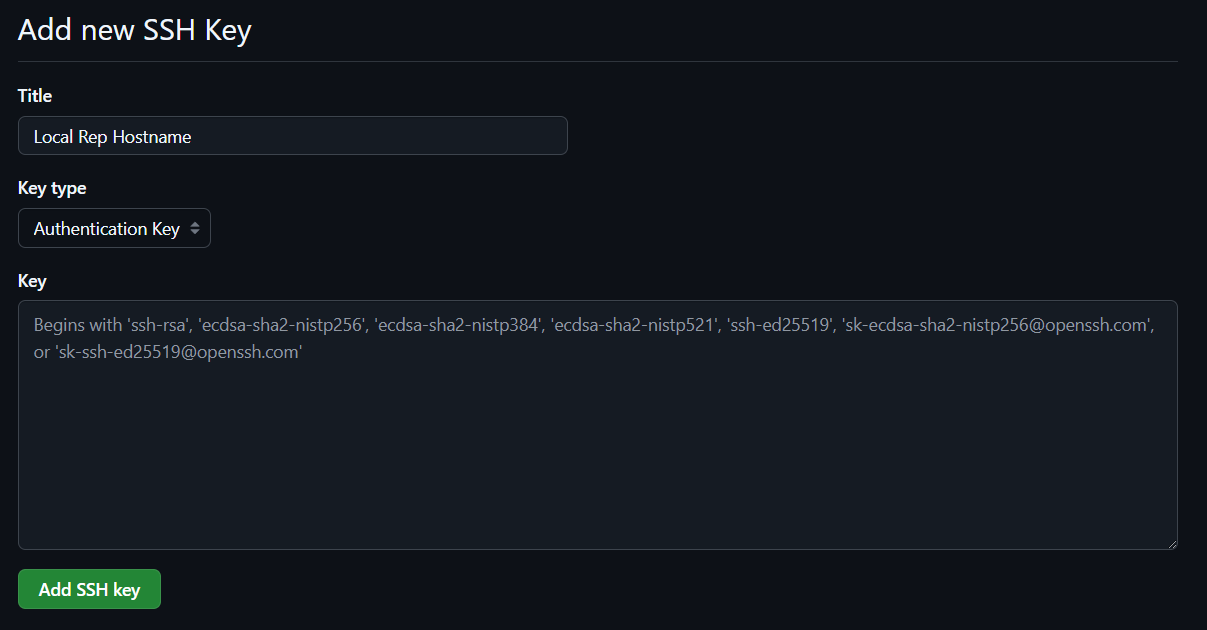
You can now use git to push files from the local computer (the one you copied your public keys from) to any repo you have on github.
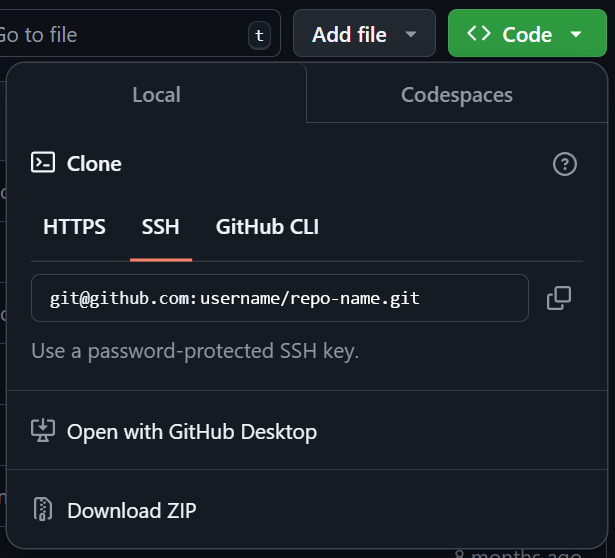
Local git setup
Set up folder on local machine to become local repo (to be run in folder)
git initCreate the all important README.md
echo "# Random Heading" > README.mdAdd a file to staging area ready for committing
git add README.mdIf folder already populated add ALL files to staging
git add .Commit file/s to be pushed to remote repo (github)
git commit -m "First commit message: I did this & this"Add your github repo as a remote (using SSH)
git remote add origin git@github.com:your-username/your-repo-name.gitPush your staging area and commits to github (main branch - github default)
git push -u origin main